
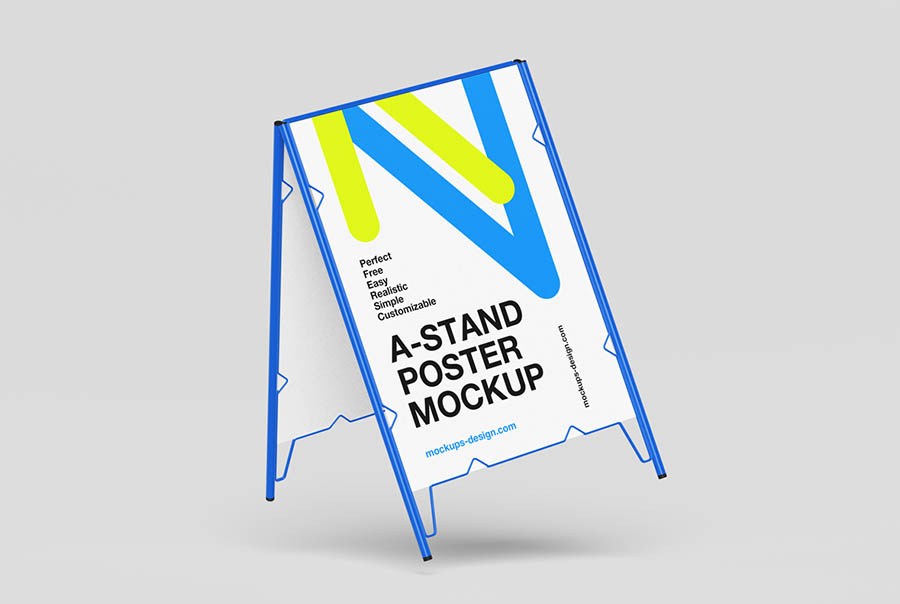
Minimal A-stand poster mockup
Free
4 PSD files
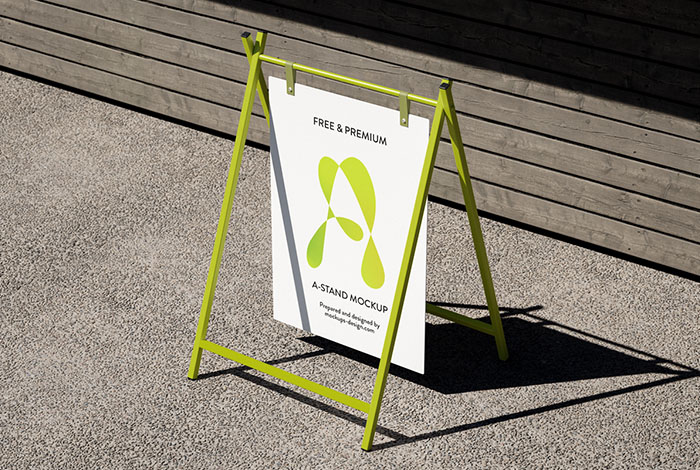
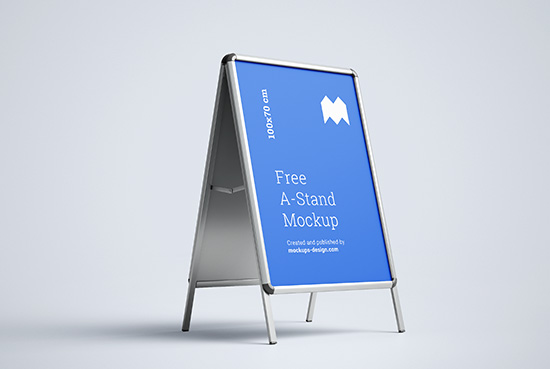
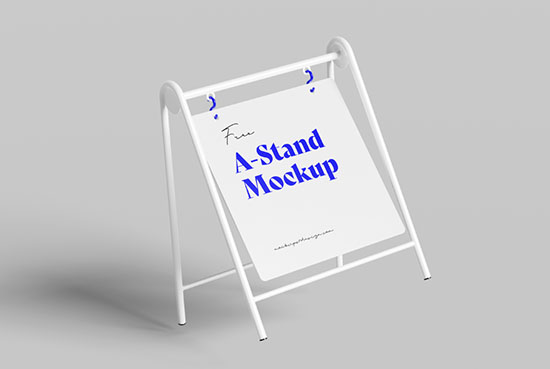
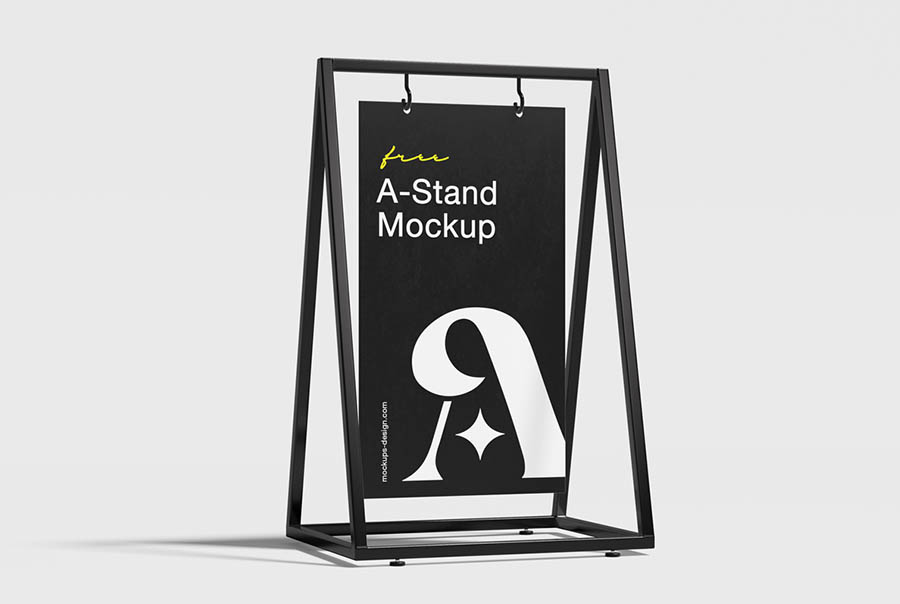
Overview & Features
This clean and modern A-stand poster mockup set brings your design to life with four high-quality views. Featuring a sleek metal frame and a simple studio background, it's ideal for presenting event posters, cafe menus, promotional signage, or retail advertising in a stylish, professional way. Each PSD file includes smart objects for effortless editing and realistic shadows for added depth. Whether you’re designing for urban sidewalks or indoor displays, this mockup is a perfect visual tool to make your message stand out. Additional info: Four editable PSD files Ultra-minimal studio look Ideal
This high-resolution a-stand mockup template is professionally crafted to present your brand identity, packaging designs, and artwork with realistic lighting and texture details. Perfect for client presentations, agency portfolios, and e-commerce listings.
Technical Specifications
| File Format | Layered Photoshop PSD |
| Editability | Smart Object Layers |
| Resolution | 4000 × 3000 px (300 DPI) |
| Color Mode | RGB Color |
| Software Required | Adobe Photoshop CS6 or CC |
| License | Free for Personal & Commercial Use |
How to Edit This PSD Mockup
- 1Download and extract the .zip archive using the download link.
- 2Open the extracted .psd file in Adobe Photoshop CS6 or higher.
- 3Locate the Smart Object layer (labeled "Your Design Here" or "Place Design") in the Layers Panel.
- 4Double-click the Smart Object thumbnail to open the .psb artwork canvas tab.
- 5Paste your graphic, scale to fit, save (Ctrl+S / Cmd+S), and close the tab to update the mockup render.
Free for commercial use. Attribution not required. Verify on Mockups Design →
Need Design Assistance?
Check out our detailed Photoshop Mockup Editing Guide for advanced techniques on adjusting lighting, shadows, and reflections.